

- Microsoft To Do will retire across all platforms on June 30, 2027.
- Existing tasks will not automatically migrate to the new Planner system.
- Personal account holders, including Microsoft 365 Personal and Family subscribers, must find another app.
Microsoft is preparing to shut down one of its popular productivity apps, giving users until June 30, 2027, to find another way to manage their daily tasks.
Microsoft To Do, which helps users organise reminders, shopping lists, personal schedules and work assignments, will be retired across Windows, Mac, iOS, Android and the web.
The company announced the decision as part of a broader plan to bring individual task management and team planning together through Microsoft Planner and its wider Microsoft 365 ecosystem.
However, the transition is not straightforward. While work and school account holders are being directed towards Planner, people using personal Microsoft accounts will have to choose another service.
Microsoft's transition guidance tells personal account holders to select a task-management application that meets their needs and prepare to export their data before the deadline.
What happens to existing Microsoft To Do tasks?
The biggest concern for users is what will happen to the lists, reminders and other information they have built up over the years.
Microsoft says existing To Do tasks and lists will not automatically move into the new private Planner system.
For work and school accounts, existing tasks will remain accessible through Planner until June 30, 2027. After that, users will no longer be able to view or manage them through Planner.
The company has clarified that retiring the apps does not itself mean the underlying task data will be deleted. Access to the information and its retention are separate matters.
Microsoft also plans to provide an export option before the apps are retired. However, it has not yet published the full instructions or confirmed which information will be supported.
There is another limitation. Exporting data does not guarantee that it can be imported into Planner or another task-management application.
This could create additional work for people who have spent years building detailed lists and organising their routines around the app.
Why is Planner not a complete replacement?
Microsoft wants Planner to become the central destination for managing personal work alongside tasks assigned by colleagues and teams.
The updated My Tasks experience is expected to begin rolling out in December 2026. It will allow work and school account holders to manage private tasks within Planner, alongside their assigned work.
But Planner does not currently offer all the features available in To Do.
Microsoft's own transition guidance identifies several differences. Planner does not have a direct equivalent to To Do's list groups, while its reminders work differently. File attachments are not currently supported on tasks in the new private Planner plan.
The company also has no plans for native Windows or Mac desktop apps to replace To Do. Users will instead access Planner through a web browser or Microsoft Teams.
Personal Microsoft account holders face a bigger problem because Planner is not available to them. This includes people paying for Microsoft 365 Personal and Family subscriptions.
Microsoft's advice is to choose another task-management provider and prepare to export their information.
The decision comes as the company works towards a more unified productivity platform, connecting individual tasks, team plans and AI tools such as Copilot.
To Do's history makes the announcement particularly notable. Microsoft introduced the app in April 2017 after acquiring 6Wunderkinder, the company behind the popular Wunderlist application, in 2015.
Wunderlist was eventually shut down in May 2020, with Microsoft encouraging users to move to To Do instead.
Now, users who made that switch are being asked to find another home for their tasks.
For those looking for alternatives, Todoist, TickTick and OmniFocus are among the options highlighted by PCMag. The right choice will depend on whether users need simple reminders, collaborative lists or more advanced productivity features.
For now, Microsoft users have several months to review their lists, identify the features they rely on and prepare for the change. But with no guarantee that exported information will transfer smoothly, moving away from To Do could involve more than simply downloading another app.




















 Nike V5 RNR Sneakers Amazon
 Impala Adjustable Roller Skates Amazon
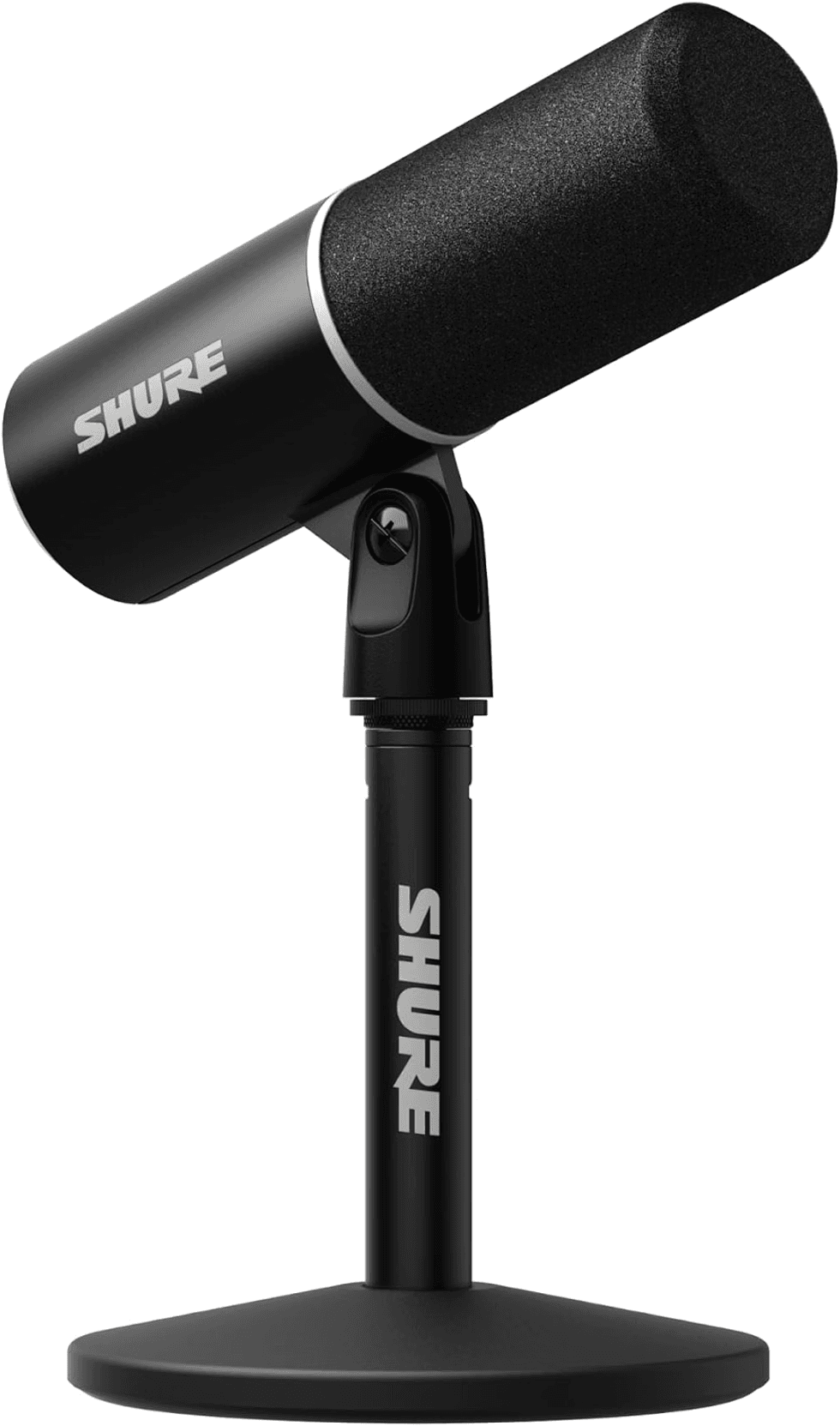
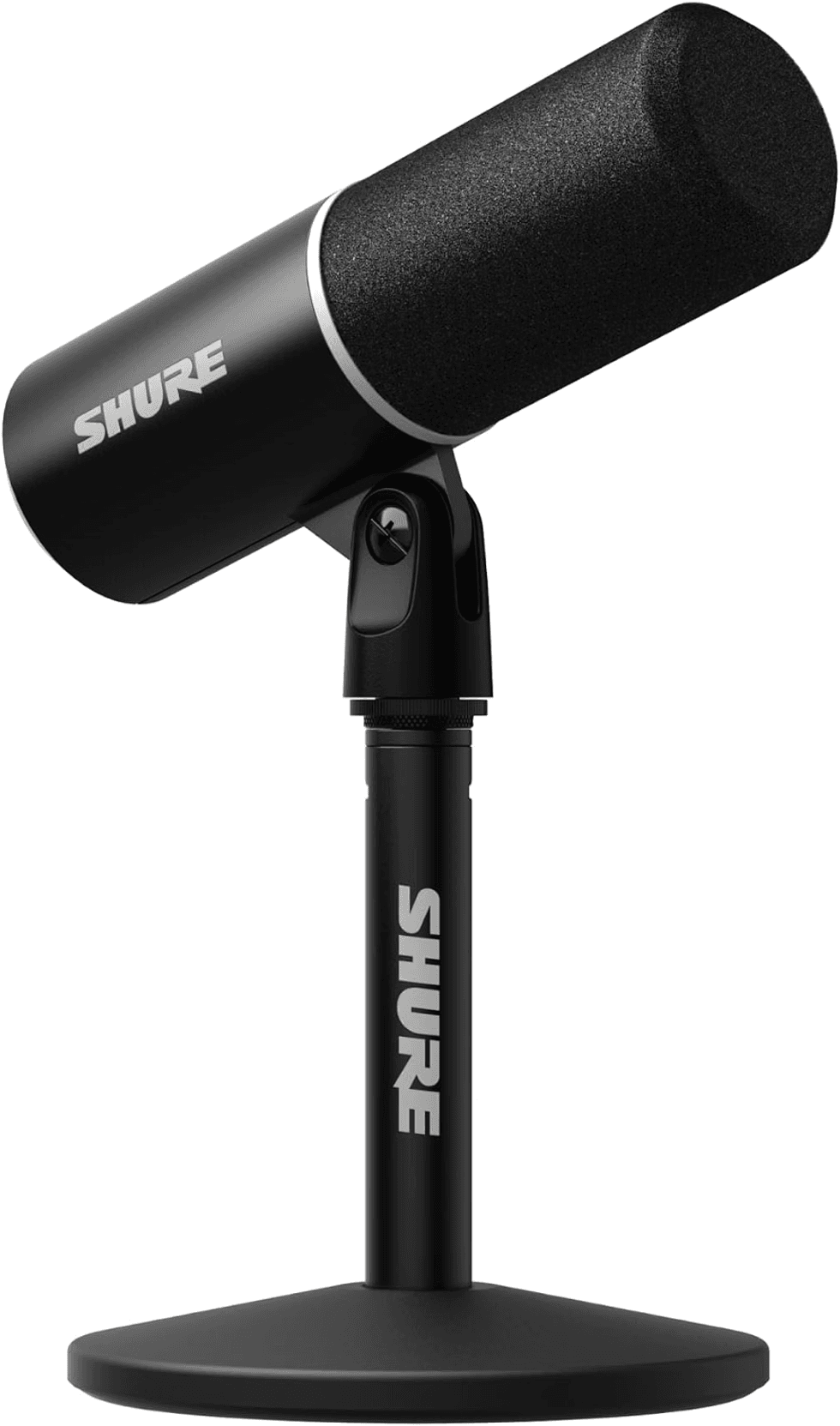 Shure USB Podcast Microphone Amazon
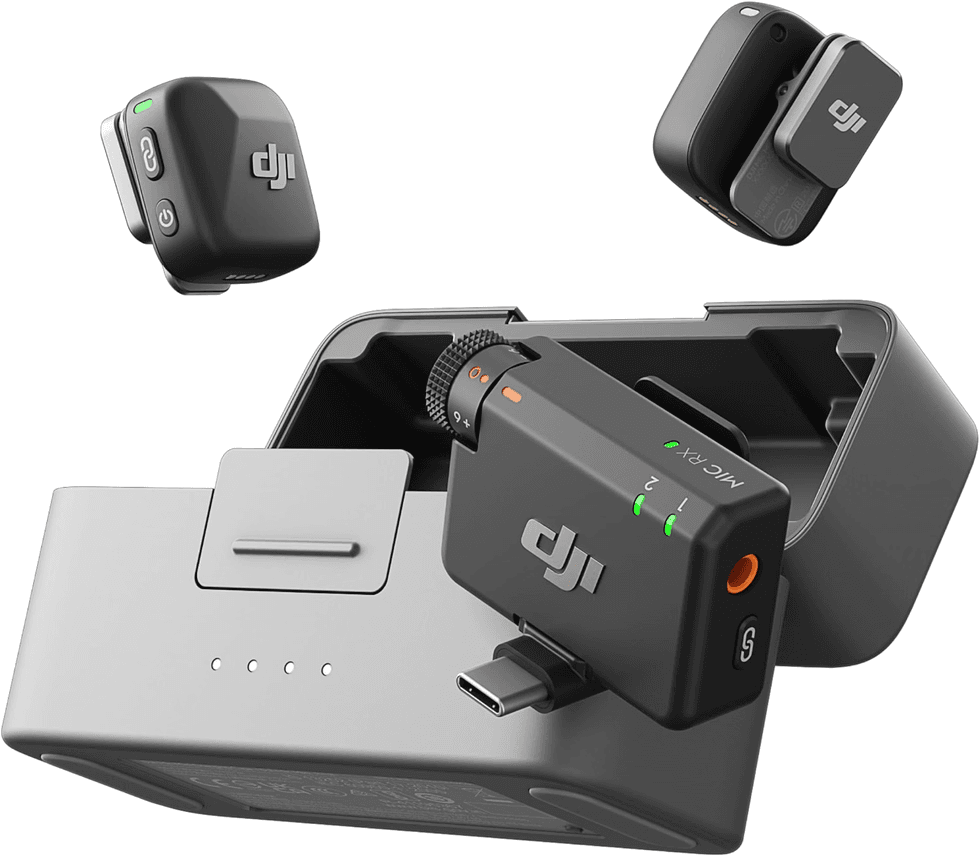
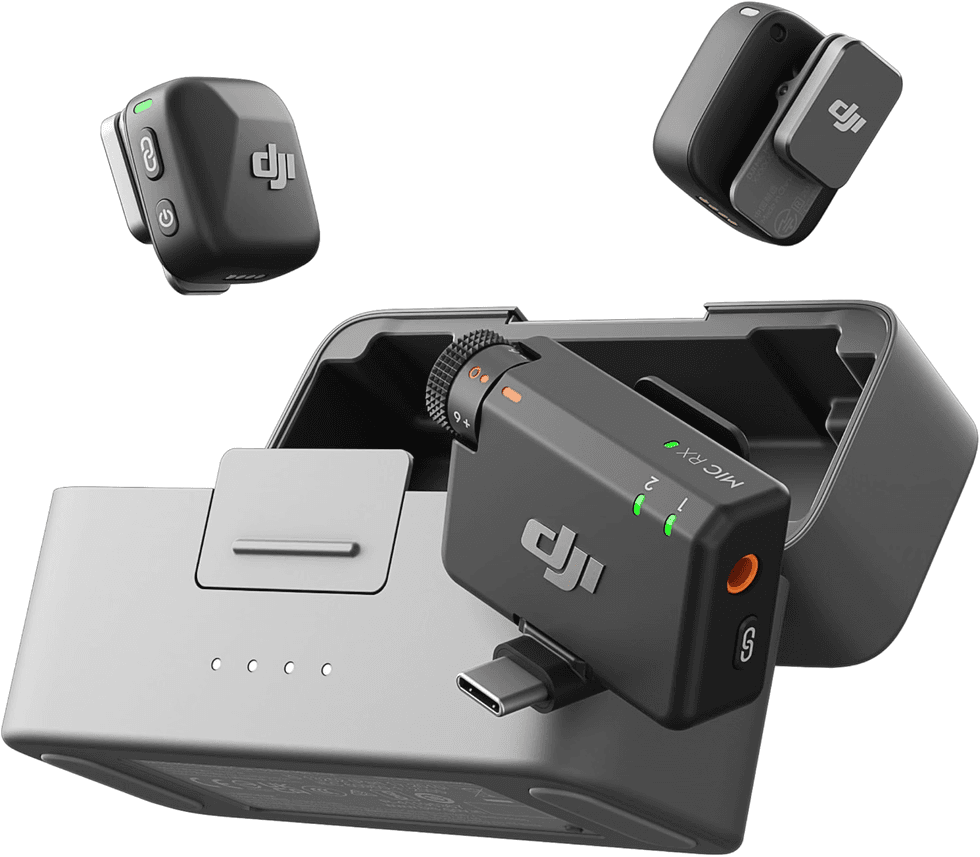 DJI Wireless Podcast Microphone Amazon
 Levi’s Utility Jacket Amazon
 Steve Madden Kitten-Heel Sandals Amazon
 Lionel Classic Electric Toy Train Set Amazon
 Uniqlo Red Cardigan Amazon
 West Elm Ski-Themed Ceramic Mug Amazon
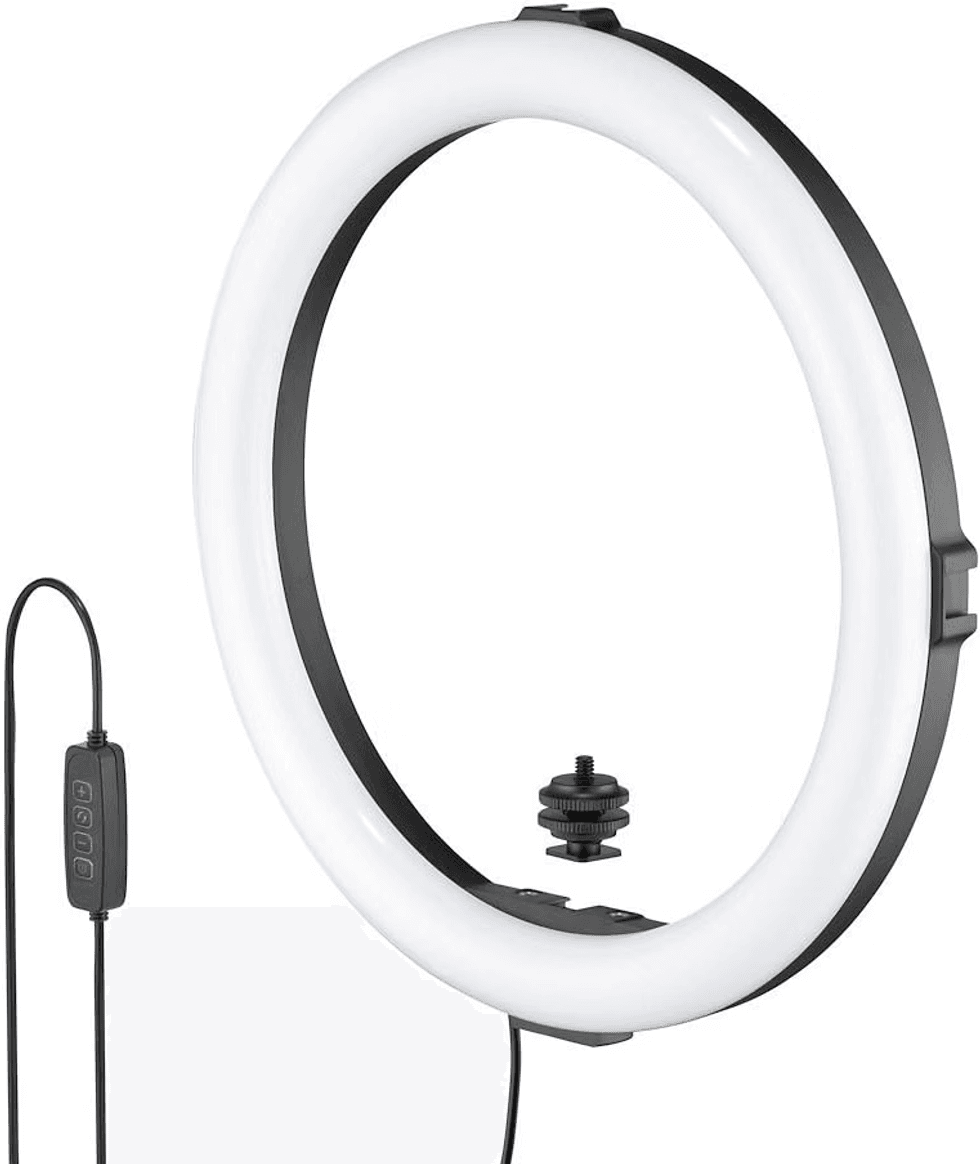
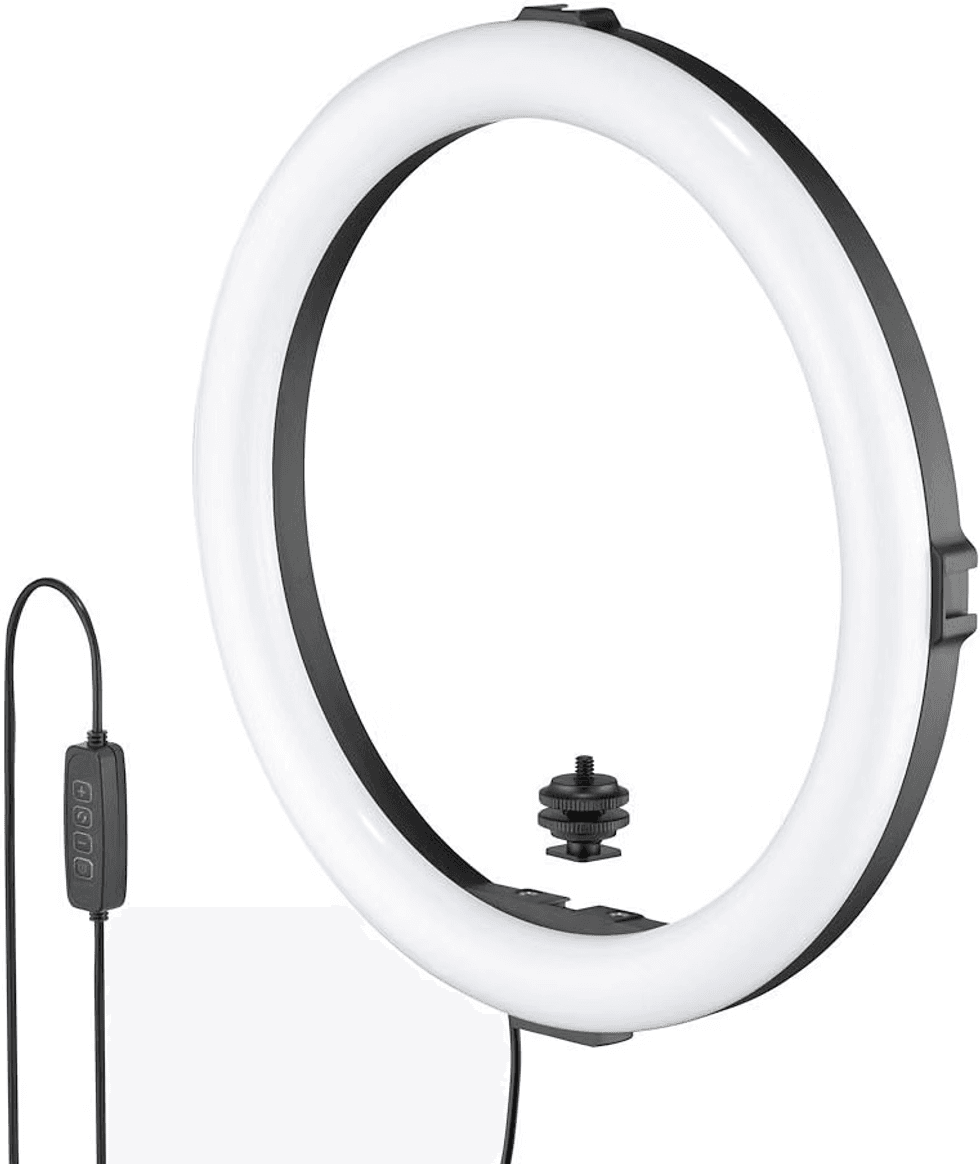 Joby Travel Mini Ring Light Amazon





 Amazon
 Amazon



 Airbnb Gift Cards – For the Traveler Who Needs a Getaway Amazon
 ClassPass Gift Membership – For the Fitness Fan Who Loves Variety Amazon
 MasterClass Subscription – For the Lifelong Learner Amazon
 Goldbelly Gift Cards – For the Foodie Who Loves Trying New Flavors Amazon
 Tinggly Experience Gift Boxes – For the Globetrotter Amazon
 AncestryDNA Kit – For the Family History Buff Amazon
 Aura Digital Photo Frame – For the Family That Treasures Memories Amazon
 National Parks Annual Pass – For the Outdoor Enthusiast Amazon