
- Claude users can now install selected Artifacts as desktop apps on Mac and Windows computers.
- The tools can include image editors, file managers and performance monitors without requiring separate API keys.
- Users can control how much access each application gets to their computer, including permission to read, modify or delete files.
Anthropic is taking its AI assistant Claude beyond the usual chatbot experience, allowing users to turn interactive creations into desktop applications they can install and use on their computers. The new feature, called 'Install as app', is being introduced in beta for Mac and Windows, opening up the possibility of building personalised tools without going through traditional app development processes.
The feature works through Claude Artifacts, which allow users to create interactive content such as documents, dashboards, diagrams and mini applications alongside their conversations. Instead of remaining inside the Claude interface, selected creations can now be installed as independent desktop apps with their own icons and separate windows.
For users, this means an AI-generated tool could become part of their regular computer workflow rather than something they need to recreate or access through a chatbot every time.
Anthropic said Artifacts were initially designed as outputs that people could share with others. However, users increasingly began treating them as practical tools for everyday activities, including meeting preparation pages that draw information from calendars and emails.
The new installation option is intended to make those creations easier to use and maintain.
What can users build with Claude's desktop apps?
The possibilities range from simple productivity tools to more specialised applications. Anthropic has shared examples of how its own employees are experimenting with the feature, including a layered image editor, a file manager, tools for organising folder rules and a terminal assistant that helps explain commands.
Other examples include applications that monitor computer performance and tools designed to organise everyday work.
For someone who regularly handles files, an AI-created application could help sort folders according to personalised rules. A user working with images could experiment with an editor built around their preferred workflow, while developers could create tools to explain terminal commands or assist with routine tasks.
The important difference is that users can now install these creations rather than keeping them confined to the side panel in Claude.
Each installed application can use Claude and the user's connected services, known as connectors. This could allow a personalised tool to work with information from supported services without requiring users to arrange separate API keys or create another login.
Anthropic also says applications update automatically when the underlying Artifact is edited. This could make it easier to maintain tools over time, particularly for people who regularly change how they work.
However, there are some limitations. Users must remain online and signed into their Claude account to open installed applications. The feature also does not currently support every type of Artifact, with Claude Docs, Slides and Sheets excluded from installation.
How much access can Claude apps get to your computer?
The ability to create applications that interact with a computer also raises questions about permissions and data access.
Anthropic has introduced three levels of access, allowing users to decide how much control an installed application can have over their device.
The first is the default permission level, under which an application can only perform actions available to it within a browser. This offers the most restricted form of access.
The second, called app permissions, allows applications to request access to common computer features that Claude can control. These permissions are intended to support more practical functions without automatically giving an application unrestricted access to the device.
The third is full computer access. At this level, applications can request permission to run programmes and read, modify or delete files. This offers greater flexibility but also carries more risk if an application is given access without users understanding what it can do.
Anthropic says permissions apply only to the current version of an application. If the underlying Artifact is updated, users will be asked to grant permission again, even when the changes are made by the person who created the app.
The company has also introduced administrative controls for organisations. Team and Enterprise administrators can decide whether app permissions and full computer access should be available to employees. The feature is enabled by default for Team plans, with full access switched off, while Enterprise administrators must enable it before employees can use it.
The 'Install as app' feature is rolling out in beta across Claude plans, although availability of individual permissions depends on the account and organisational settings.
For Anthropic, the move represents a shift in how people can use AI-generated content. Instead of asking Claude to produce an answer or create something within a conversation, users can now turn some of those creations into tools that remain available on their desktops.
Whether this becomes a practical alternative to conventional software for everyday tasks will depend on how reliably these applications work and how much control users are comfortable giving them. But the direction is becoming clearer: AI assistants are increasingly moving from generating content towards helping people build and operate the tools they use.













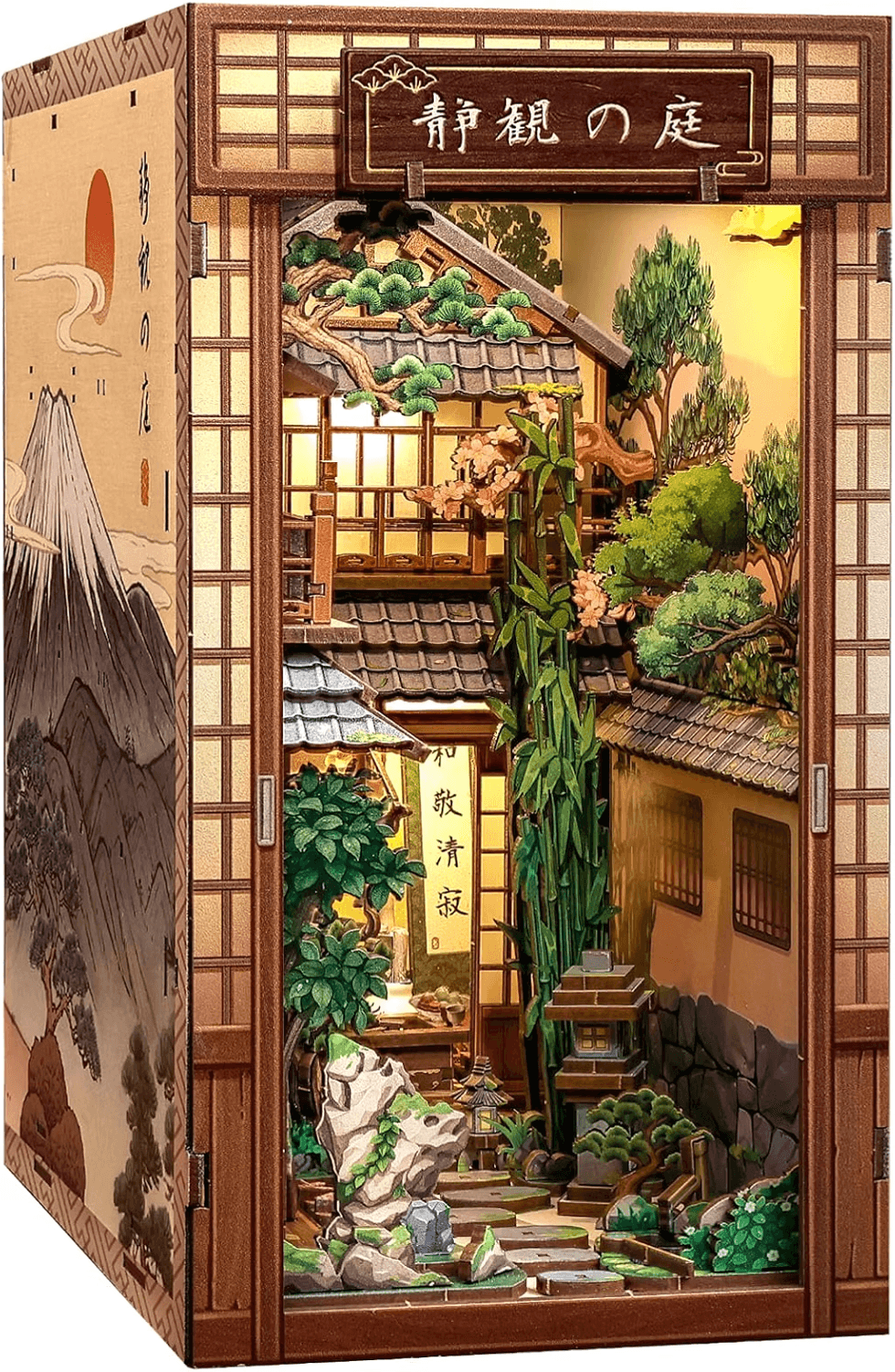
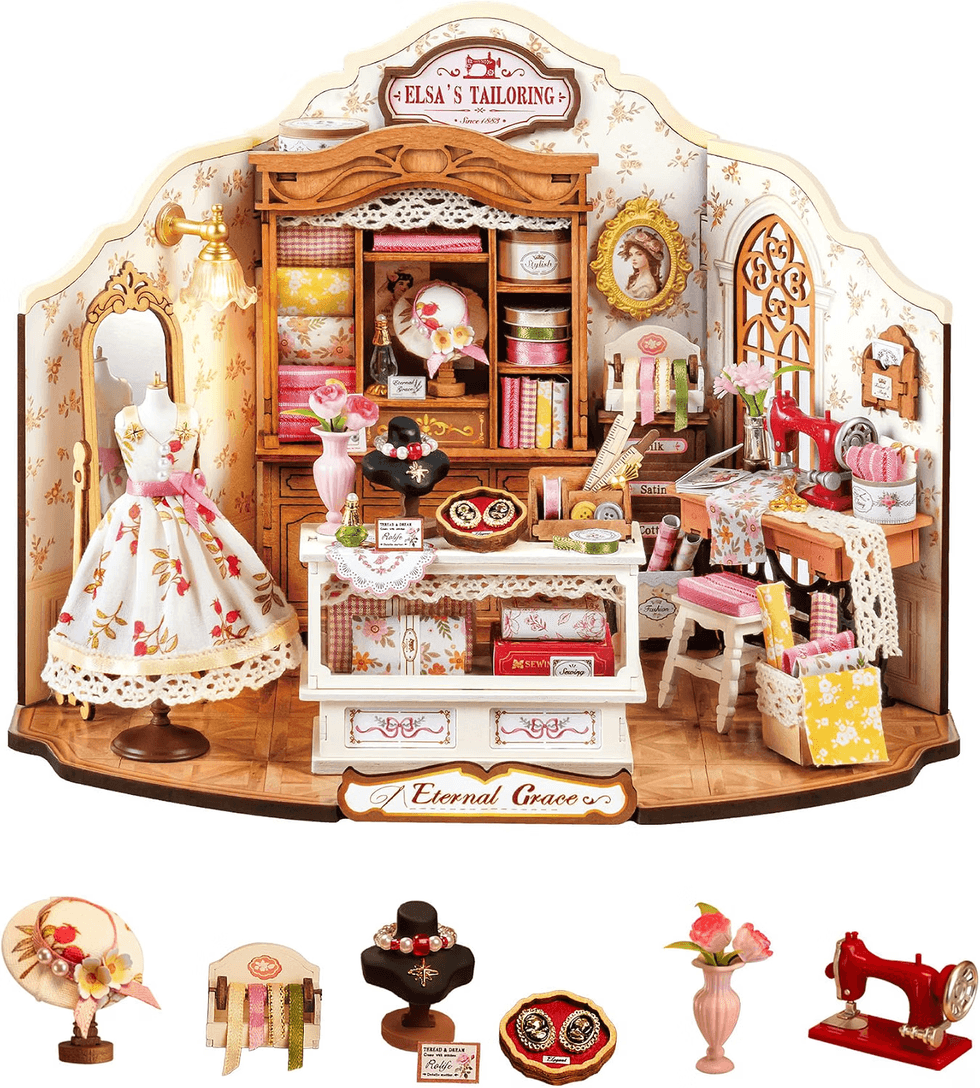





 Rolife DIY Miniature Book Nook Kit Amazon
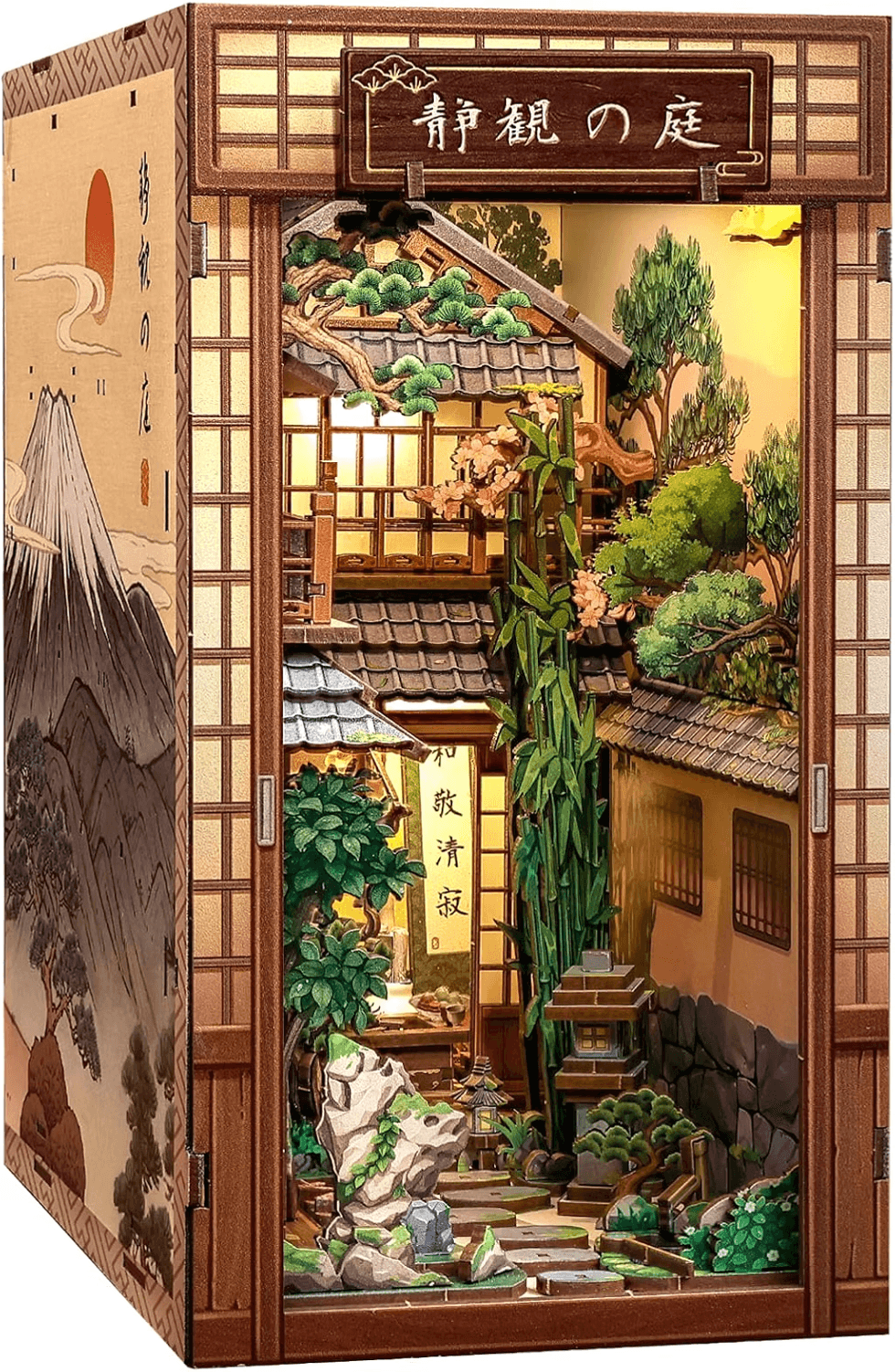 Cutebee Miniature Book Nook Kit Amazon
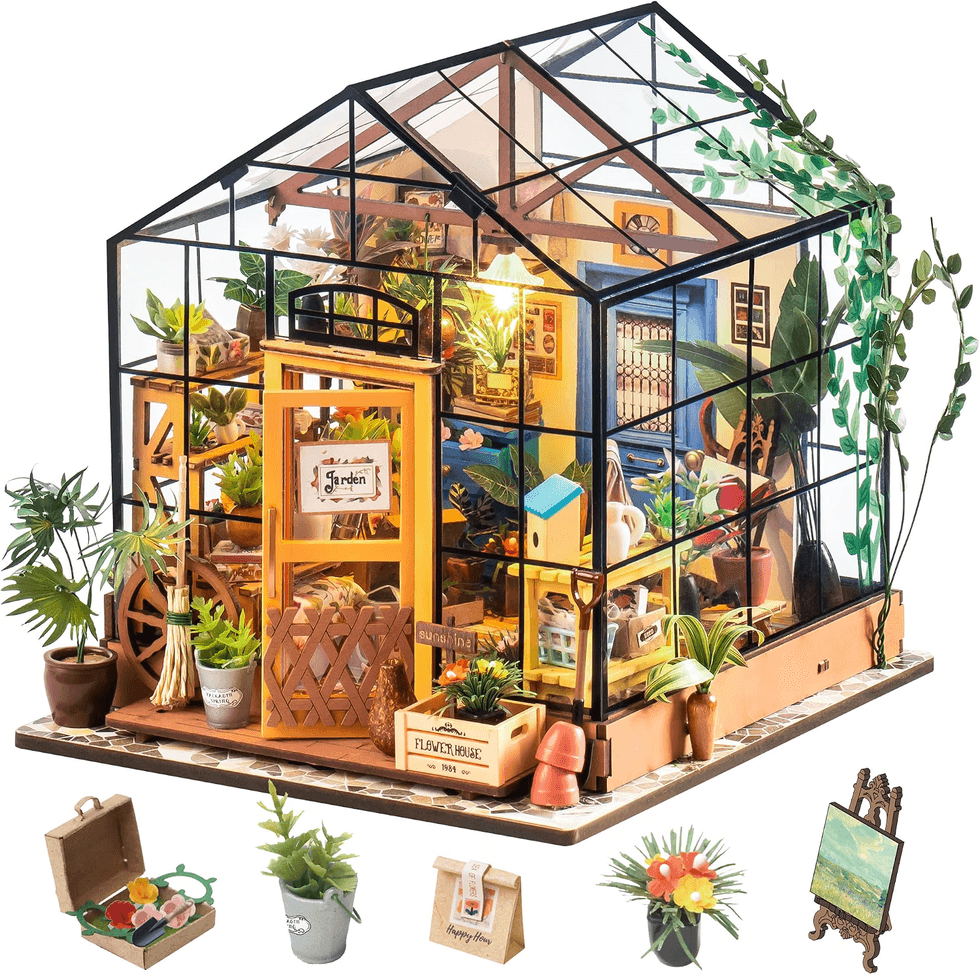
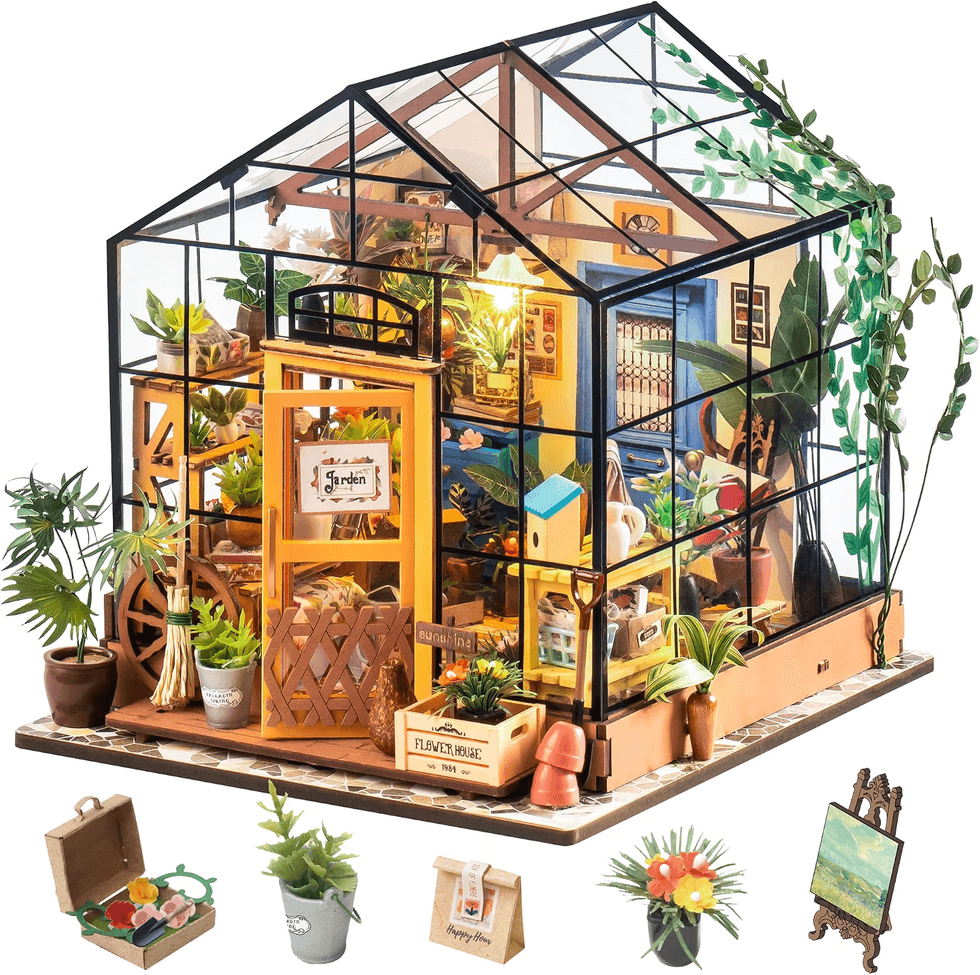 Rolife Miniature Greenhouse Kit Amazon
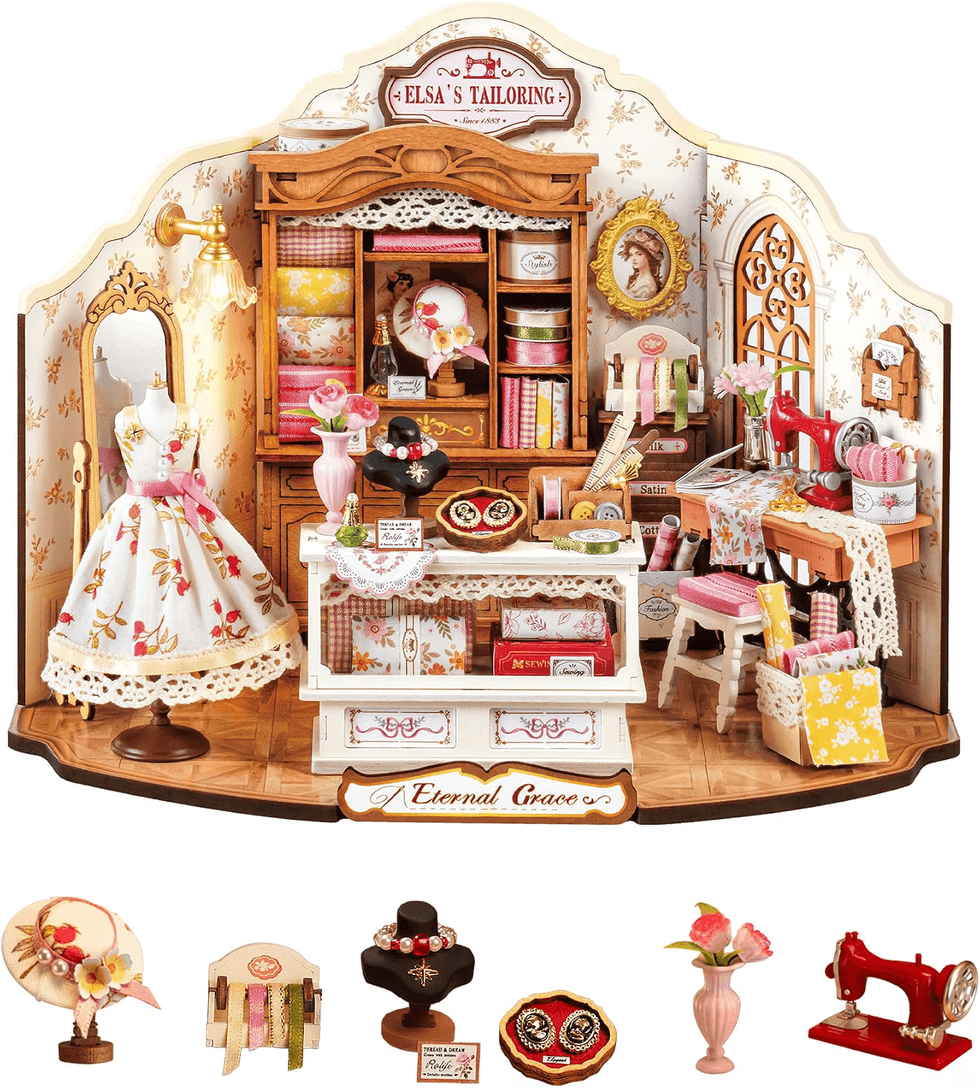 DIY Miniature Dollhouse Kit Amazon
 LEGO Botanicals Tiny Plants Set Amazon
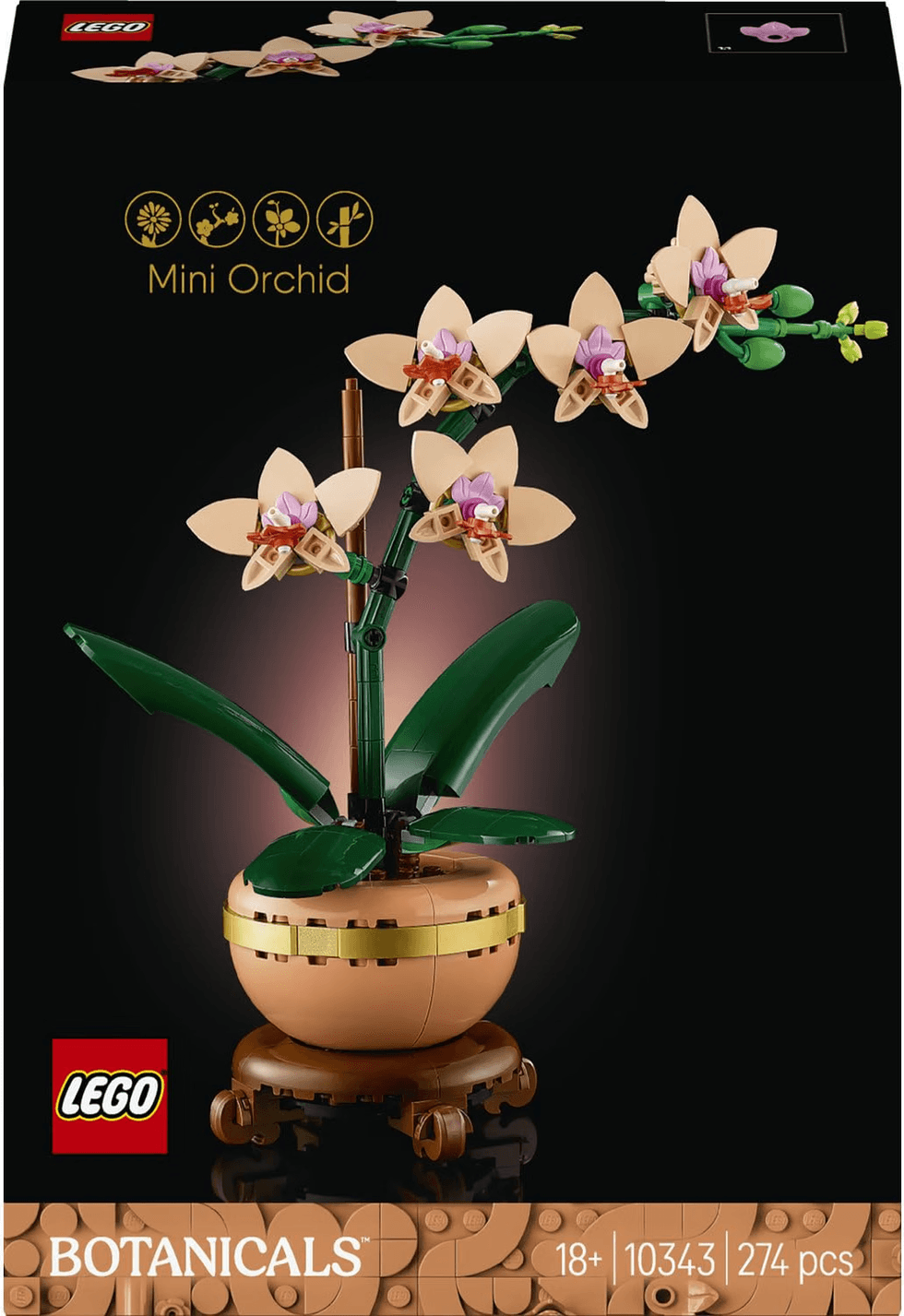
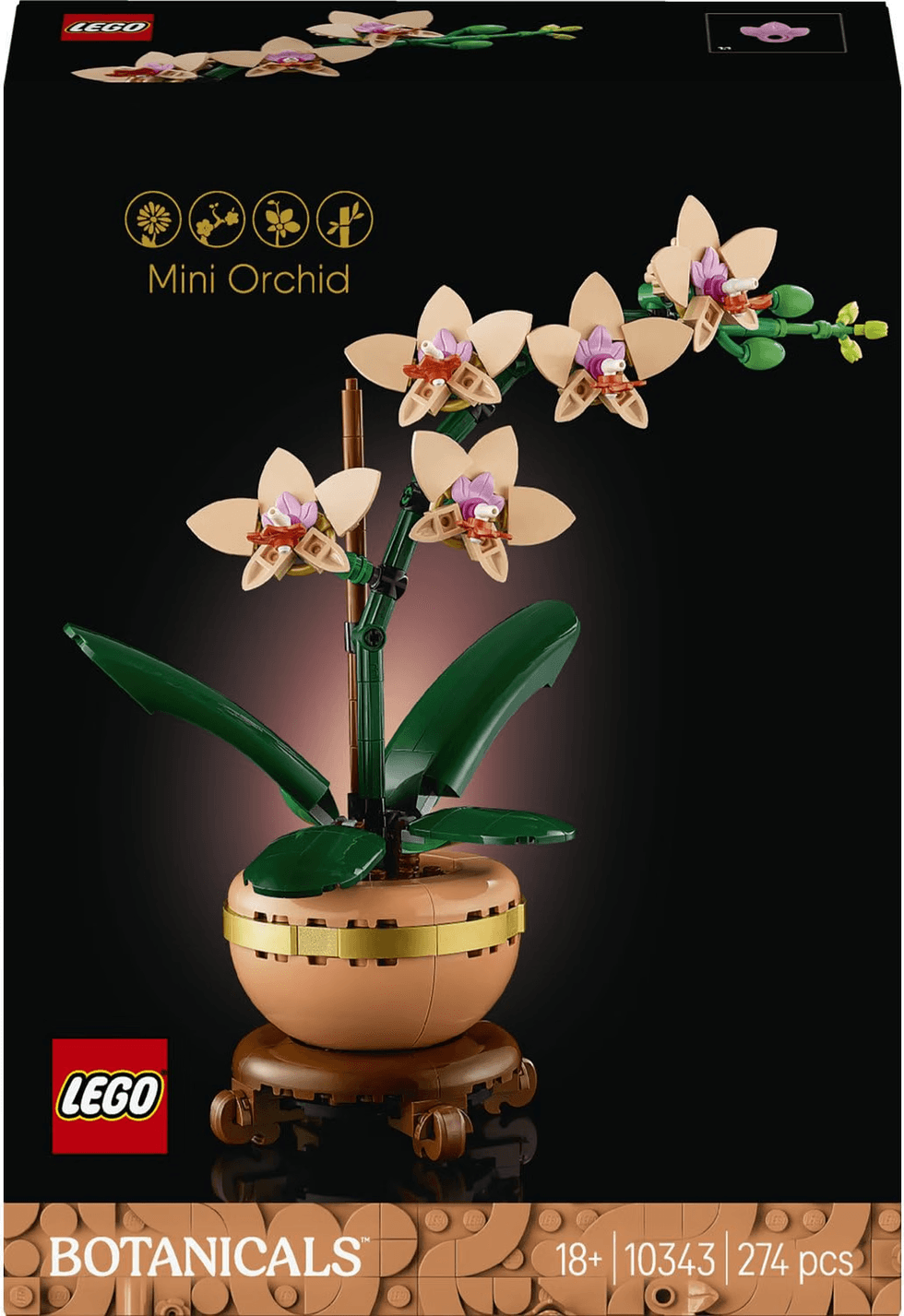 LEGO Botanicals Orchid Set Amazon
 LEGO Botanicals Bouquet of Roses Amazon
 Adult Paint-by-Numbers Kit Amazon
 3D Wooden Puzzle Kit Amazon
 Diamond Painting Craft Kit Amazon