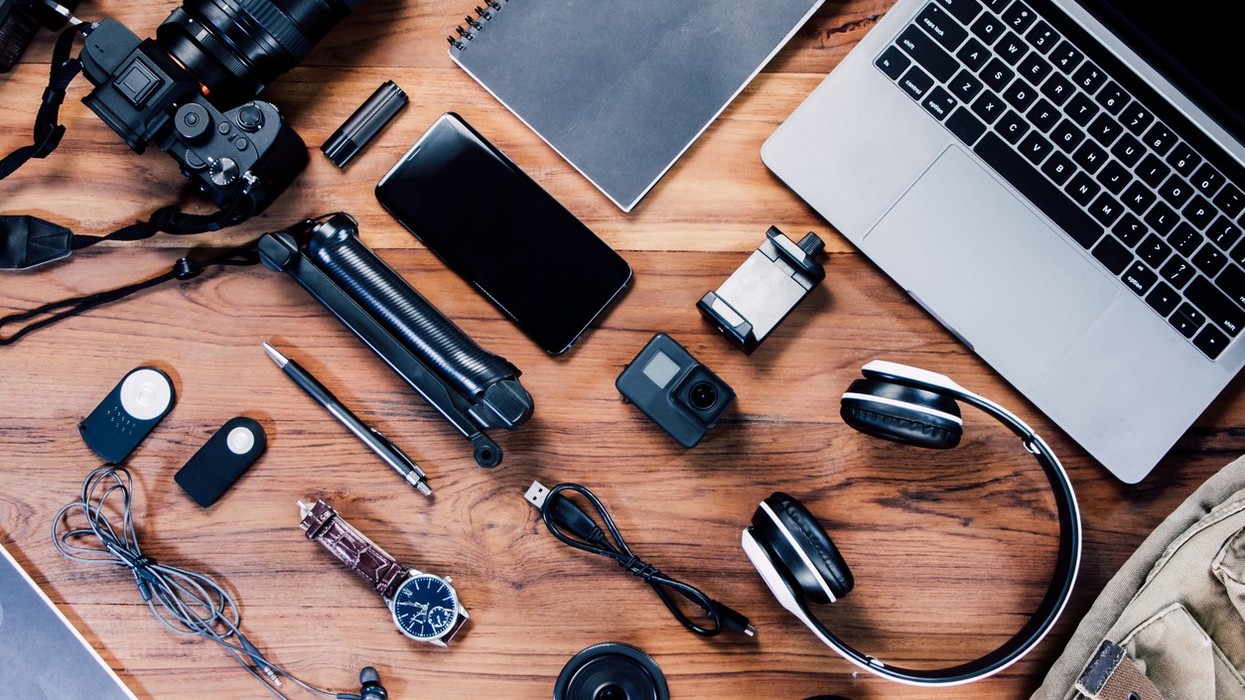

Cooler days, fresh routines, and a few smart additions that make everyday tech easier to live with
Autumn has a way of making us want to reset things. The heat eases, schedules settle, and suddenly it feels like the right time to clear the clutter and start fresh. For many of us, that clutter lives on our desks and in our bags: tangled cables, a laptop perched at an awkward angle, a phone that always seems to hit 10 percent at the worst moment. The good news is that you don't need a brand-new phone or laptop to make your tech feel better. A few well-chosen accessories can fix the small annoyances that pile up over a day of work, study, commuting, and streaming. Here are 10 practical picks worth considering as you refresh your setup this season.
1. USB-C Fast Charger
 Amazon
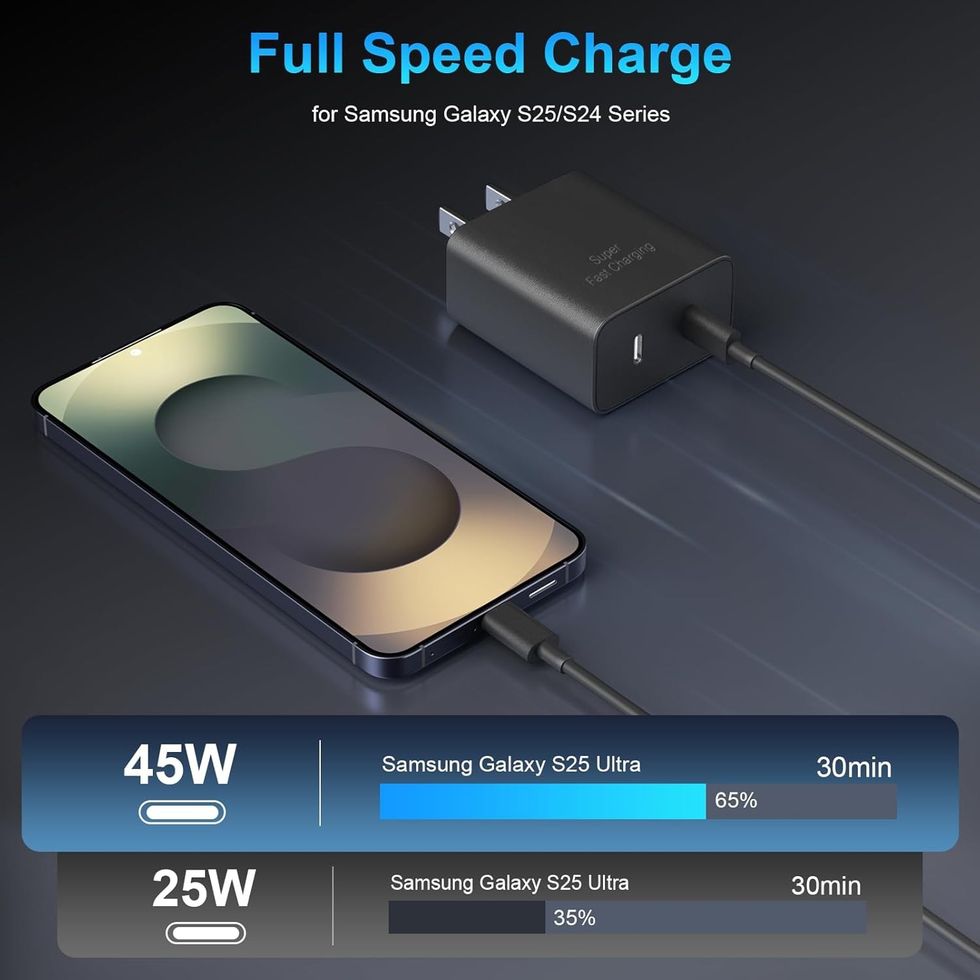
Most of us still rely on whatever charger happened to come in the box, or worse, one we borrowed and never returned. A dedicated USB-C fast charger is one of the simplest upgrades you can make, especially now that USB-C has become the common connector across so many phones, tablets, and laptops. Keeping a reliable charger at your desk or bedside means less time waiting around for a battery to fill up before you head out the door. It's also worth having a second one to leave in your work bag, so you're not constantly unplugging and repacking the same adapter every morning. If your current charger feels slow or unreliable, this is a sensible place to start. https://link.amazon/B0gLymF22
2. Multi-Port USB-C Hub
 Amazon
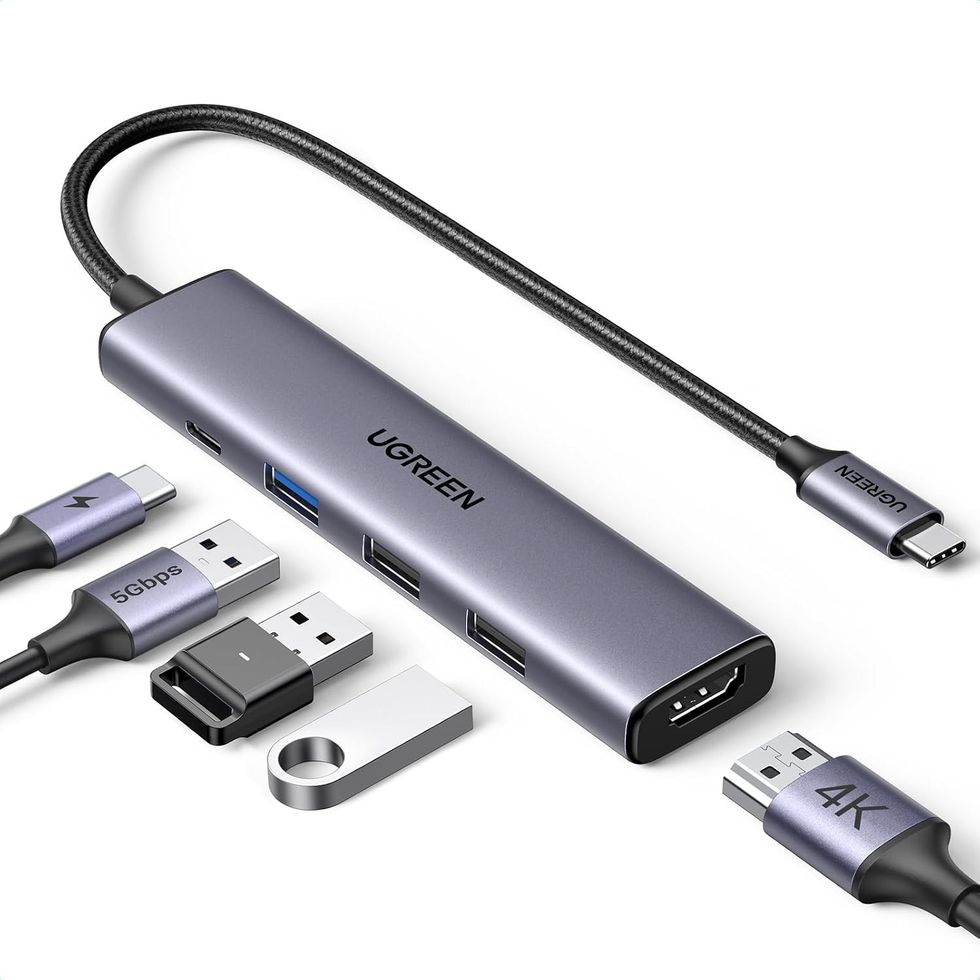
Modern laptops have become sleek and slim, but that often comes at the cost of ports. If you've ever found yourself juggling adapters just to plug in a flash drive, an external display, or a wired accessory, a multi-port USB-C hub can quietly solve that problem. It turns a single connection into several, which makes it easier to plug into a full desk setup when you're working from home and then unplug everything in one move when it's time to leave. Students switching between lecture notes, presentations, and external storage will appreciate it too. Before buying, it's a good idea to check the listing to confirm the specific ports it offers match the devices you use most. https://link.amazon/B06IME3CT
3. Power Bank
 Amazon
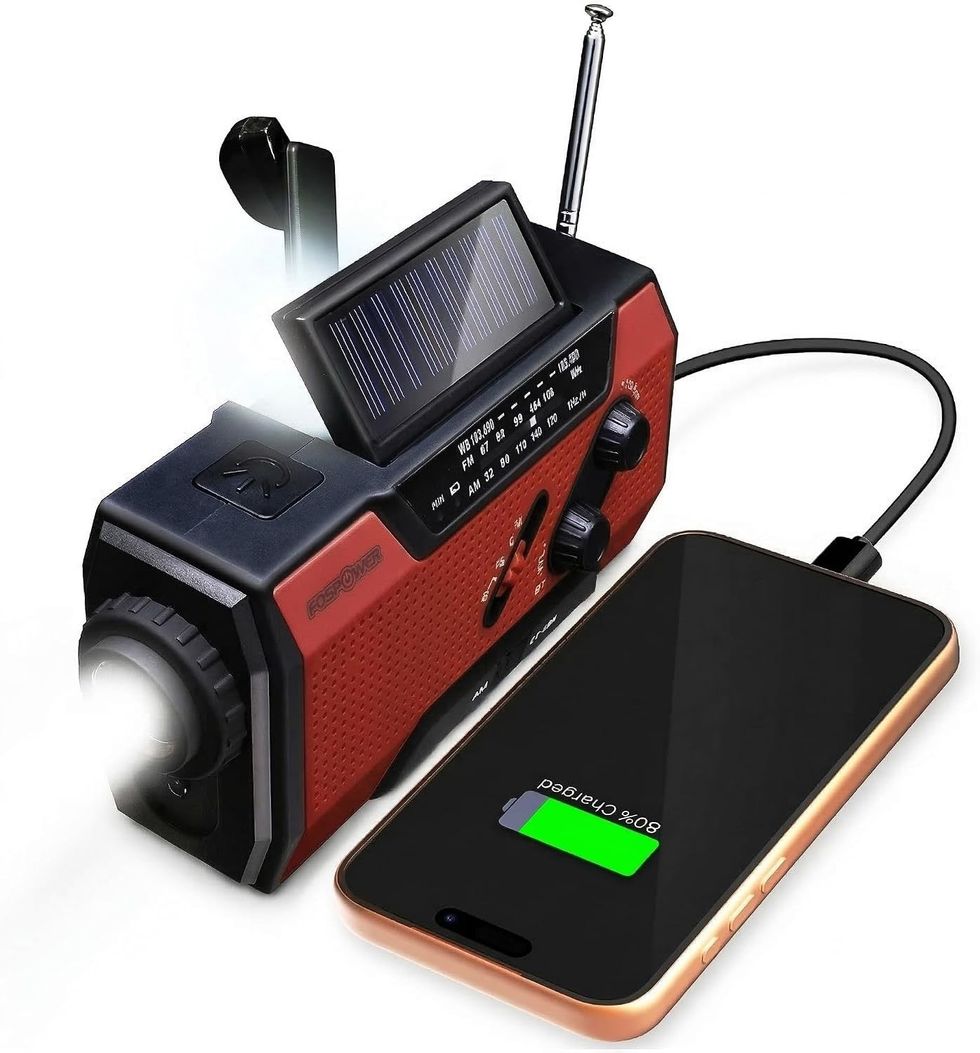
Long commutes, back-to-back classes, travel days, and power cuts all have one thing in common: they drain your phone faster than you'd like. A power bank gives you a backup supply of charge that fits in a bag, so you're not scanning cafés and waiting rooms for a free wall socket. It's especially handy when your phone doubles as your ticket, your wallet, your map, and your music player all at once. Keeping one charged and ready also offers peace of mind during festival season outings or weekend trips, when you're out longer than planned. Think of it less as a gadget and more as insurance for the moments when running out of battery would be genuinely inconvenient. https://link.amazon/B0jbS5nHa
4. Braided USB-C Charging Cable
 Amazon
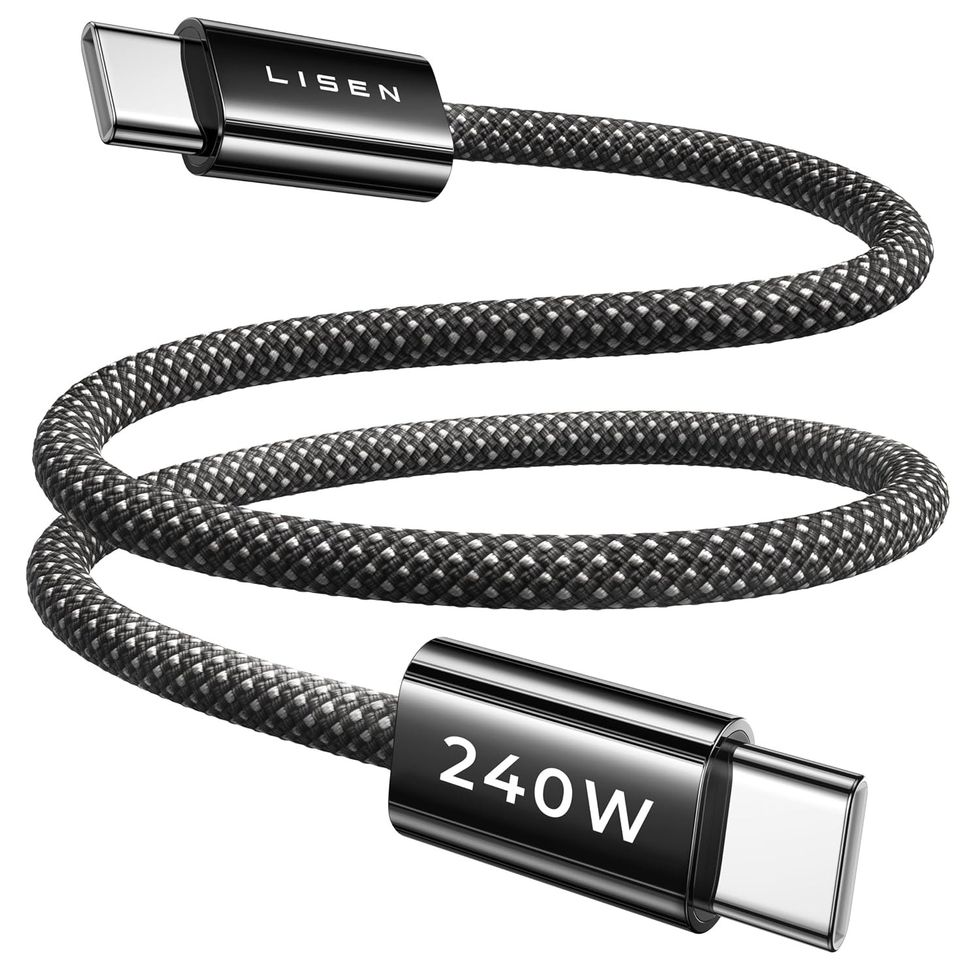
Cables are easy to overlook until one frays at the connector or stops working halfway through a charge. A braided USB-C charging cable is a small but noticeable improvement over the thin, easily tangled cables many of us put up with. The braided outer design is generally chosen for its sturdier feel, making it a better fit for cables that get tossed into bags, wound around fingers, and pulled out of sockets several times a day. Having a spare also means you can leave one permanently plugged in at your desk and keep another for travel. It's an inexpensive way to cut down on the daily hunt for "the cable that actually works." https://link.amazon/B0aXnkVTA
5. Laptop Stand
 Amazon
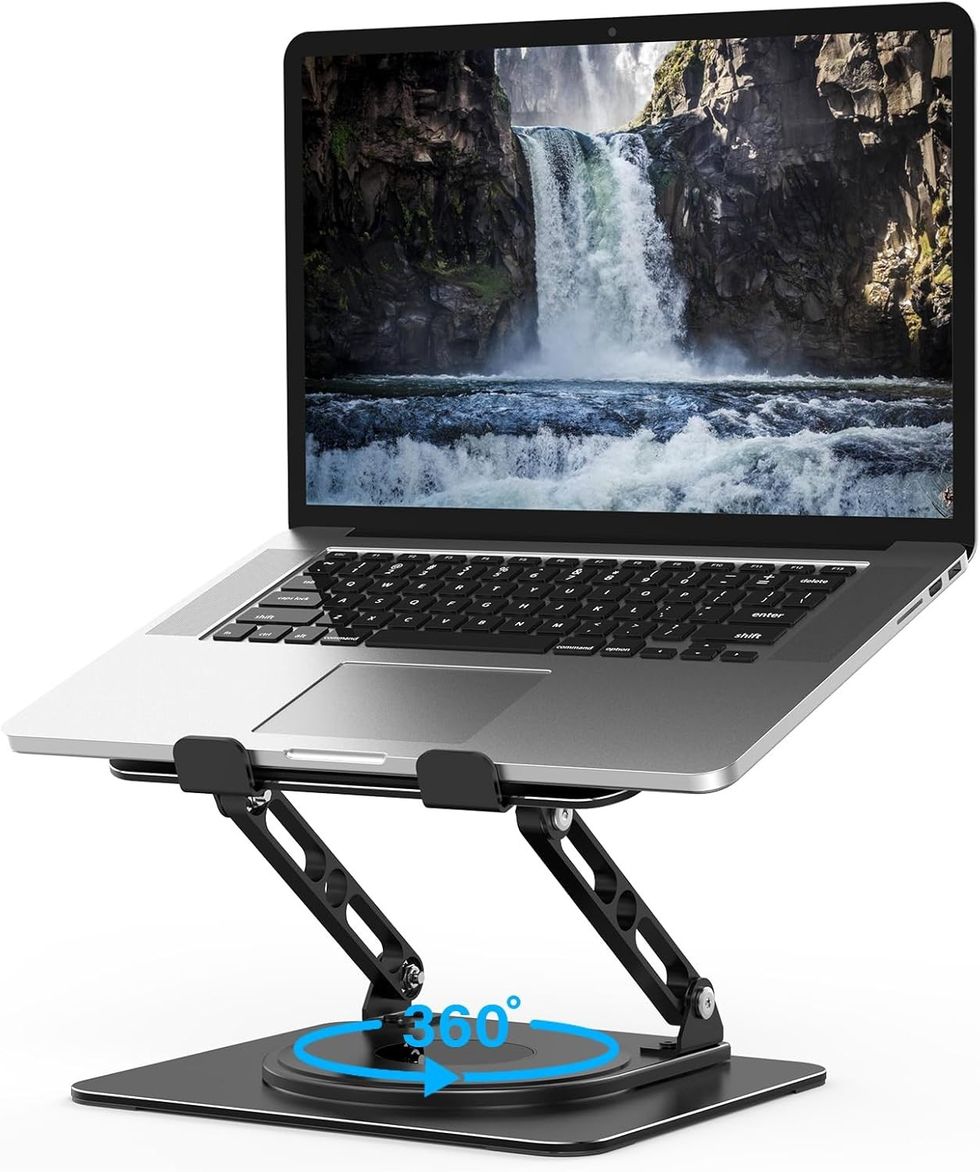
If you spend hours hunched over a laptop on a table, your neck and shoulders have probably already noticed. A laptop stand raises your screen closer to eye level, which can encourage a more comfortable, upright posture during long work or study sessions. It also frees up some desk space underneath and can help create a cleaner, more intentional workspace instead of a laptop sitting flat among papers and mugs. For people working from home or studying in shared spaces, it can make a small corner feel more like a proper workstation. Pairing it with a separate keyboard and mouse, both of which appear further down this list, makes the whole arrangement even more practical. https://link.amazon/B0beRsNNx
6. Wireless Keyboard
 Amazon
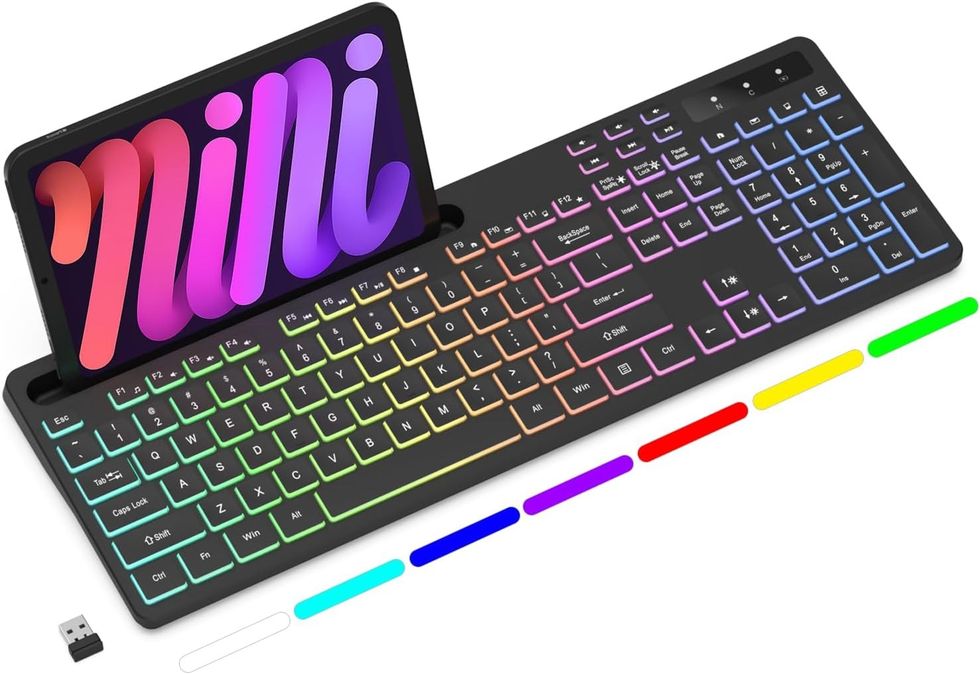
Once your laptop is raised on a stand, typing directly on its built-in keyboard becomes awkward, and that's where a wireless keyboard comes in. It lets you position your screen where it's comfortable to look at while keeping your hands where it's comfortable to type. Going wireless also helps keep your desk tidy, with one less cable crossing your workspace. It can be useful beyond the laptop, too, whether you're typing longer emails on a tablet or navigating a smart TV from the couch, depending on the devices it supports. For anyone who writes a lot, whether reports, assignments, or messages, a separate keyboard can make long typing sessions feel less cramped. https://link.amazon/B0axRjlxq
7. Wireless Mouse
 Amazon
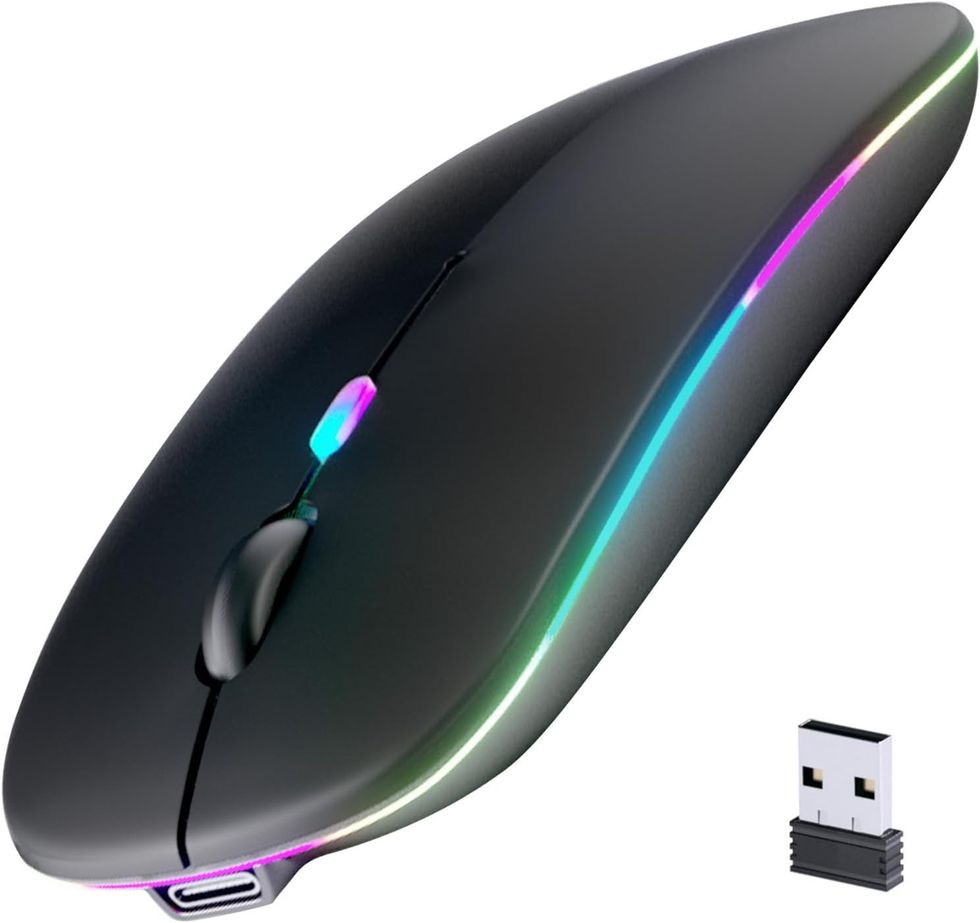
Trackpads are convenient for quick tasks, but they can feel limiting when you're editing spreadsheets, designing slides, or making precise selections. A wireless mouse gives you more control for that kind of detailed work and can be more comfortable during a long day at the desk. Without a cable to snag, it's also easy to slip into a laptop sleeve or backpack when you're heading to a café, library, or co-working space. If you've already added a stand and keyboard, a mouse completes the trio and turns your laptop into something closer to a full desktop setup. It's a modest purchase that tends to get used every single day. https://link.amazon/B0iBZzObb
8. Phone Stand for Desk
 Amazon
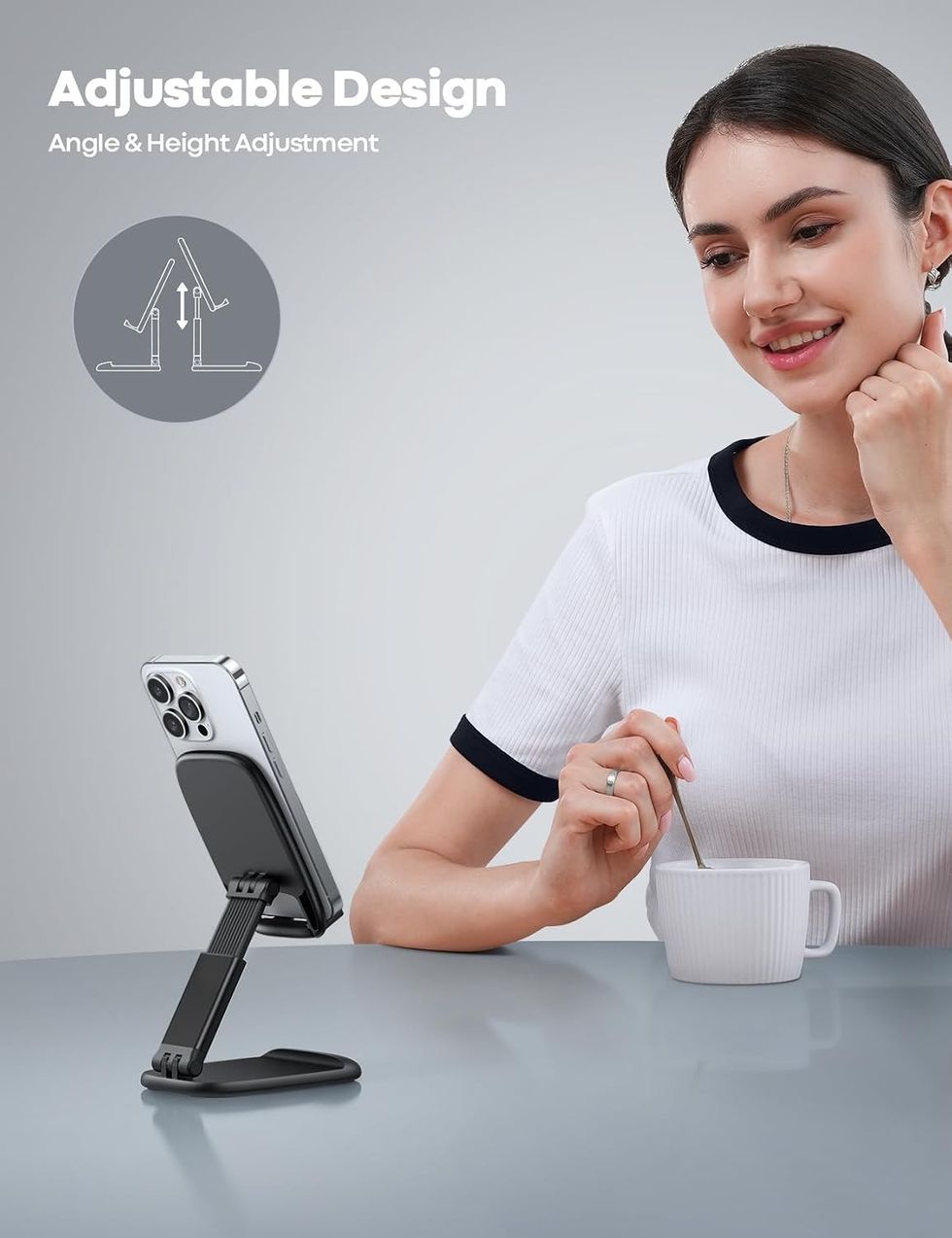
Your phone probably spends a good part of the workday lying flat on the desk, buzzing with notifications you have to pick it up to read. A phone stand for desk keeps it upright and visible, so you can glance at messages, follow a recipe, or keep an eye on a two-factor code without breaking your flow. It's also handy for video calls, watching a quick tutorial while you work, or streaming a show while you eat lunch. Beyond the practical side, a stand gives your phone a designated spot, which helps a desk look more organized. If you often charge your phone at your desk, it may help to check whether the stand leaves room for a cable. https://link.amazon/B0g2KGsVD
9. Bluetooth Earbuds
 Amazon
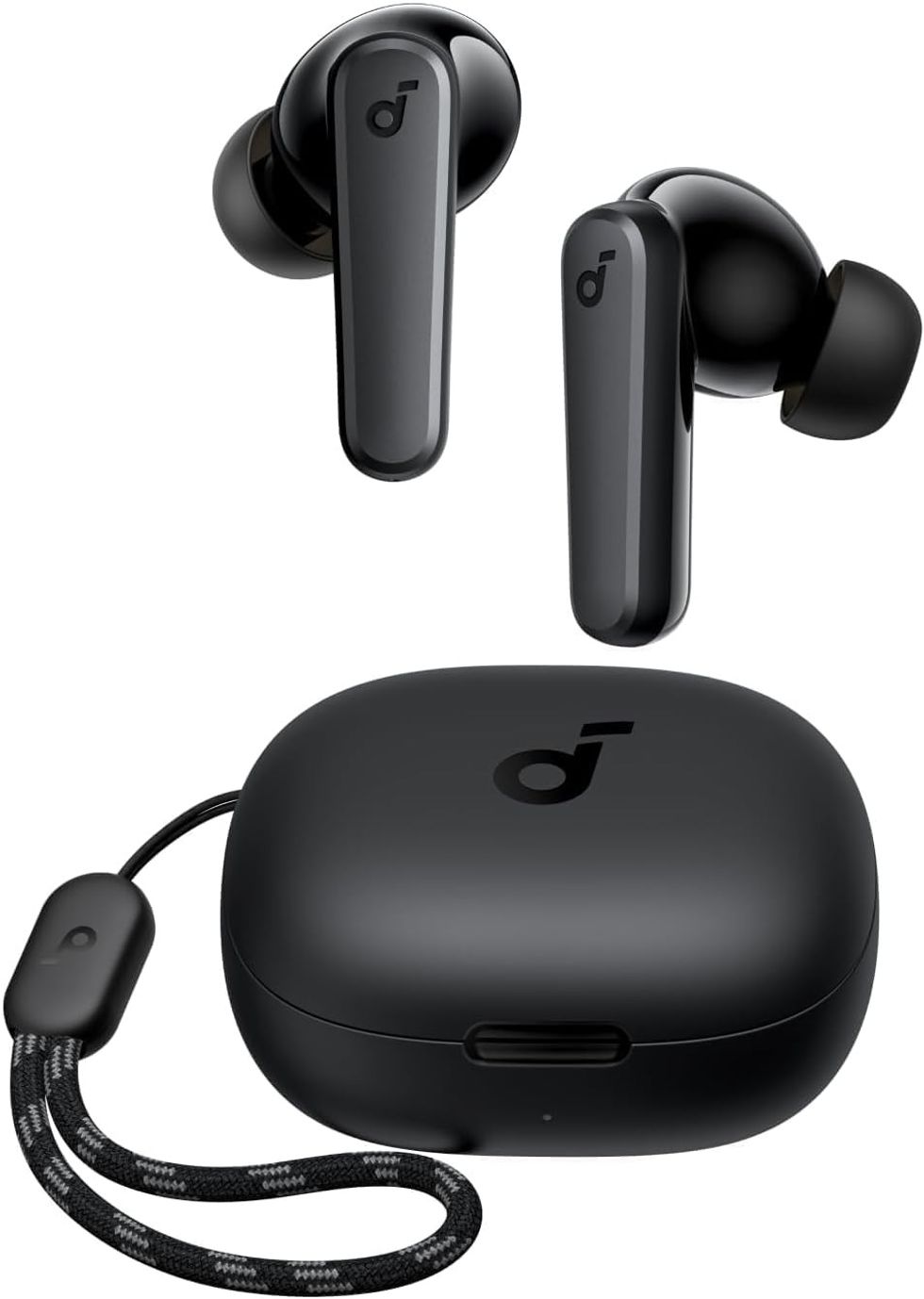
Whether you're taking calls from home, blocking out noise on a commute, or winding down with a podcast, a pair of Bluetooth earbuds is one of the most versatile accessories you can own. Going wire-free means no more untangling cords from your pocket or catching them on a bag strap. They're easy to keep on hand for online classes, virtual meetings, workouts, and late-night streaming when you don't want to disturb anyone else at home. Because they're small and portable, they tend to follow you everywhere, from the desk to the train to the gym. It's worth checking the product details for features you care about most, such as call quality or battery life, before choosing. https://link.amazon/B05In5LVK
10. Portable SSD
 Amazon
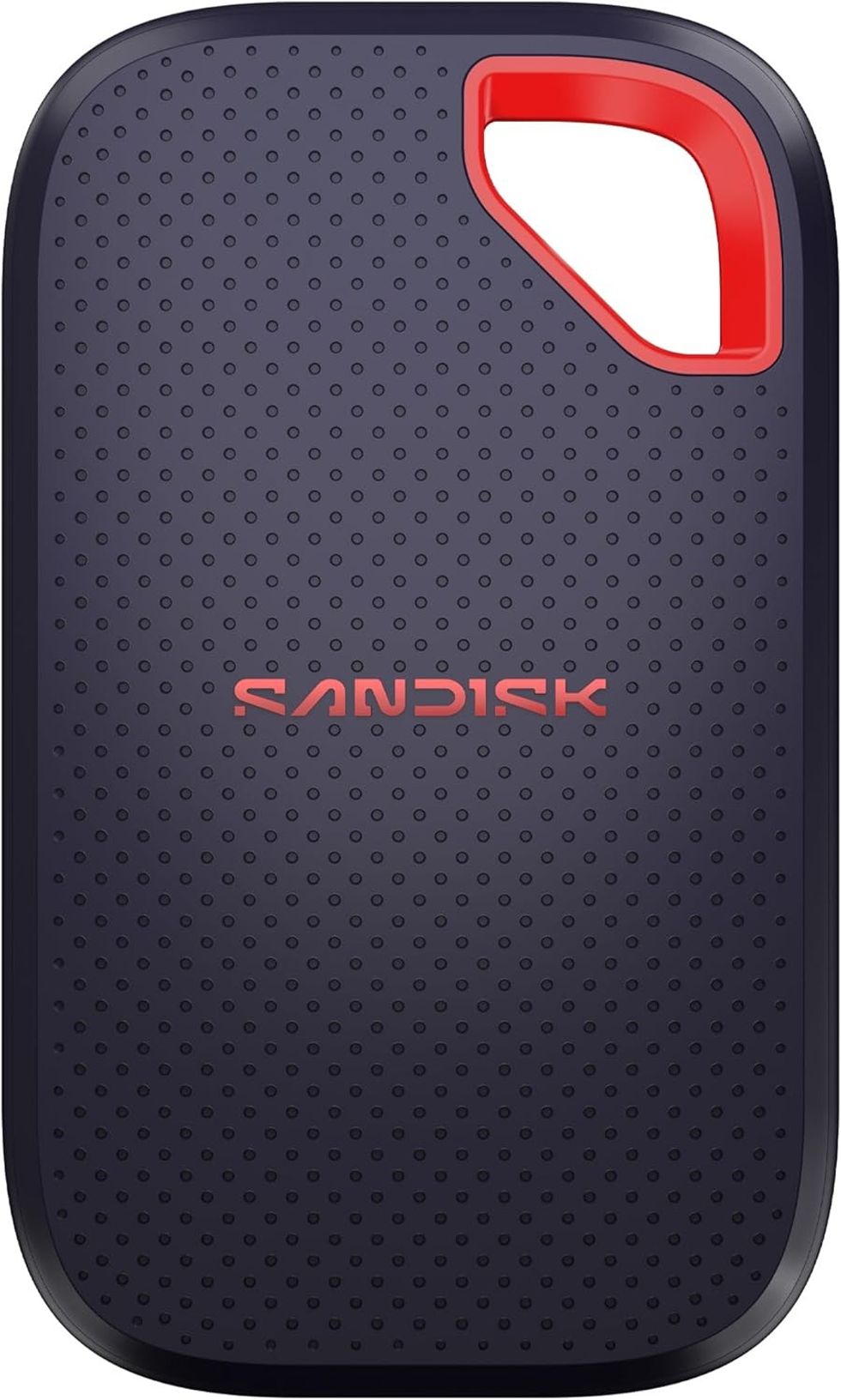
Phones fill up with photos, laptops fill up with projects, and cloud storage doesn't always keep pace. A portable SSD gives you a compact way to back up important files, move large folders between devices, or carry your work with you without relying on an internet connection. It can be especially useful for students with big assignments, creators handling photos and video, or anyone who simply wants a physical backup of the files they can't afford to lose. Keeping a copy of your documents on a separate drive is a good habit, and autumn cleaning is a fitting time to start it. Check the listing for storage options so you can choose a size that suits how much you need to save. https://link.amazon/B09mCW7RU
As the season shifts and routines settle into place, take a look at your desk, your bag, and the habits you've built around your devices. Which small frustrations come up most often? Start there. Whether you pick one accessory from this list or build out a complete workspace, the right upgrade is the one that quietly makes your everyday tech a little easier to use.